
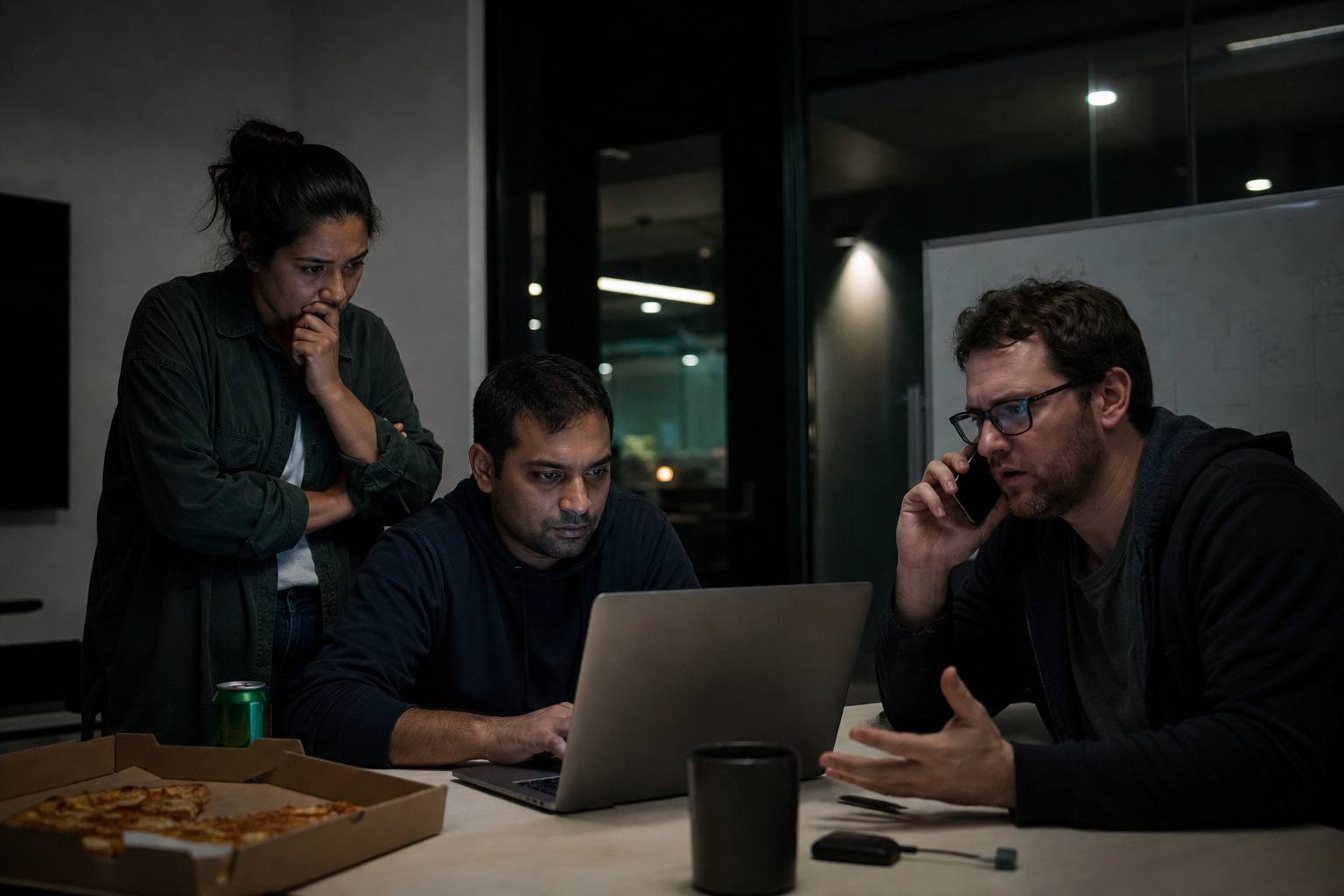
It happens on one customer’s account, or only after 11 p.m., or only on iOS Safari, or only when the cart has a coupon from 2019. You cannot reproduce it on your machine. Staging is green. You are tempted to add more logs everywhere and deploy. That can work. It can also fill the disk and still miss the branch.
Production debugging is a discipline: gather evidence without making it worse, form a hypothesis that could be wrong, and change one thing. This is how to do that when “works on my machine” is true and irrelevant.
You are missing an input, not a miracle
If you cannot reproduce, you do not have the same inputs: data, headers, time, feature flags, cache contents, locale, timezone, browser, payload size, concurrency. List what could differ. That list is your investigation plan. “It’s Heisenbug” is not a plan.
Ask for a request id, a screenshot with the URL bar, the time in UTC, the user id, and what they clicked. Support tickets that say “it’s broken” are not evidence. Teach support a template. One extra field saves an hour.
If you can log in as the user (with permission and audit), do that on production or a data-scrubbed clone. Seeing the same JSON is worth more than a new theory.
Read the path, not only the error rate
Dashboards show a bump. The bump is a symptom. Find one example. One trace, one log line, one user. Zoom in. Then zoom out to see if it is that user or a class of users (one org, one app version, one region).
APM traces show the slow span. Logs show the message. Metrics show the count. You want all three on the same request id. If you cannot join them, your observability is a pile, not a system. Fix that after the incident if you must, but even a single request_id in logs is a start.
Feature flags, config, and “but we didn’t deploy”
Config can change without a code deploy: a flag, a price, a remote JSON, a third-party outage. Check flags for that user. Check the third-party status page. Check certificates and DNS. Check the time: cron, DST, Monday-only jobs, billing period rollover.
Caching: they see old HTML, old API, old CDN asset. You see new. Hard refresh is not scientific, but curl -I the asset URL and look at Age and Cache-Control. Purge if you must. Version the asset URL if this is a weekly incident.
Data you do not have locally
Empty vs null vs missing key. A row that violates an assumption (country = ''). A duplicate email that never happened in seed data. Unicode in a name. A deleted parent with an orphan child because a foreign key is missing.
If you can snapshot the offending rows into staging (redacted), do that. If you cannot copy production data, write a script that constructs the same shape. The shape is the bug.
Migrations that applied on prod but not in your branch, or the reverse, cause “impossible” states. Check migration version.
Concurrency and the once-a-day race
Two tabs, double submit, two workers, two instances. You cannot reproduce with one local process. Look at unique constraints, idempotency keys, and whether the handler is safe to run twice. Logs with the same idempotency key twice are a clue. Logs with two order ids for one click are a clue.
Add a unique index after you clean duplicates. Adding the index first will fail the migration in production. Clean, then constrain.
Client-only bugs
You will not reproduce a Safari private mode cookie issue in your Chrome. Get the user agent. Get a remote debug session if you can. Feature detect, do not browser-detect, when you fix it. But to find it, you may need that browser.
Extensions, ad blockers, corporate SSL inspection, and clock skew on the device cause “only this laptop” bugs. Ask if it happens in a private window. That question is famous because it works.
What to change in production
Prefer more data on the failing path: a structured log around the branch you suspect, behind a flag, sampled if needed. Do not console.log the entire request body if it contains secrets.
Prefer a fix you can revert: a flag, a config, a hotfix PR with one idea. Do not refactor the module during the incident.
If you add a retry, make sure it is safe. Retries can amplify a outage.
A war-room loop
- Define “bad” in a sentence you can measure.
- Get one failing example with ids and time.
- List differences from local: data, client, config, time, concurrency.
- Confirm or kill the top hypothesis with evidence.
- Apply the smallest safe change.
- Watch the metric you defined in step 1.
- Write down what you learned in the ticket so the next similar bug is faster.
If you skip step 1, you will argue about whether it is fixed.
Aftercare
If it was data, add a constraint or a validation. If it was a flag, document the default. If it was a cache, version the key. If it was a race, add the unique index and the idempotency key. If it was observability, add the request id everywhere.
Local reproduction is a luxury. Production is the environment customers have. ## Third parties that fail in one region
The app is fine. The email provider is slow in eu-west. Your logs show success because you queued the job. The user never got the mail. You cannot reproduce because your account uses a different region. Check the vendor dashboard, not only your API logs. Timeouts to vendors should be errors in your product UI (“we could not send the email, try resend”) rather than a silent queue.
Time travel bugs
“Only on the first of the month.” Billing, cron, and now() in a test that froze time. Production uses a real clock. If you cannot reproduce, set a staging clock or insert rows with timestamps around the boundary. Leap seconds are rare. Month boundaries, DST, and timestamp without time zone are common.
Canaries and one instance
If only one of five pods has old code, 20% of users see the bug. You cannot reproduce because you hit a new pod. Check deploy status, image tags, and whether a canary is stuck. Force a user to a pod only if you have a way; otherwise look at version headers you should be sending (X-App-Version). If you do not send a version, add it after the incident.
Device farms vs one iPhone
If it is “only iOS,” you still need one iOS device or a cloud farm. Simulators miss keyboard and safe-area bugs. Borrow a phone. The hours you spend trying to reproduce on desktop are more expensive than a cheap test device.
Feature flags that only exist in prod
LaunchDarkly (or your flag service) targeting a segment you are not in will hide the bug from you. Check the flag evaluation for that user id in the vendor UI. If you cannot, add a debug header in staging that dumps flag values for staff. Do not dump flags for all users in production HTML.
Artikals is for the craft of hunting with incomplete information. You do not need to reproduce everything on a laptop. You need one real example, a list of differences, and the discipline to change one thing. The rest is guessing with extra steps.